
CSF (ConfigServer & Firewall) là 1 gói ứng dụng hoạt động trên Linux như 1 Firewall được phát hành miễn phí để tăng tính bảo mật cho server (VPS và Dedicated). CSF hoạt động dựa trên iptables và tiến trình ldf để quyét các file log để phát hiện các dấu hiệu tấn công bất thường.
Hôm nay mình sẽ hướng dẫn mọi người cài đặt CSF vào WHM cPanel.
Step 1: SSH vào VPS centos 7 đã cài sẵn WHM và setup CSF
cd /usr/local/src/
wget https://download.configserver.com/csf.tgz
tar -xzf csf.tgz
cd csf
sh install.sh
Step 2: Config trong CSF
Vào trình quản lý của WHM Home >> Plugins >> ConfigServer Security & Firewall
Ở mục csf – ConfigServer Firewall >> Firewall Configuration
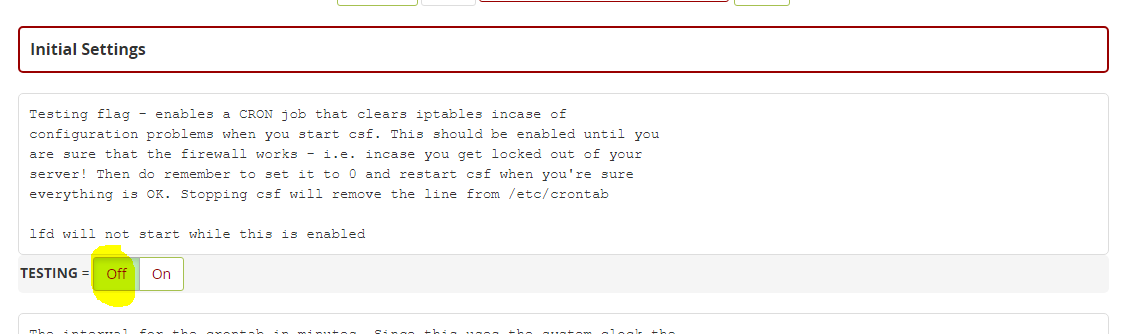
1.Off Testing
2. Setting port
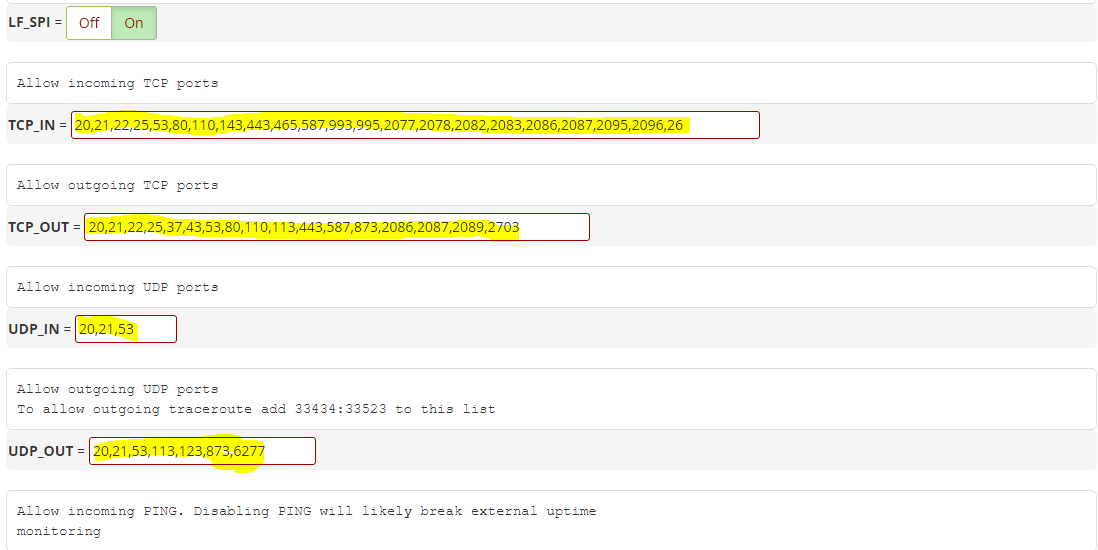
- TCP_IN = “20,21,22,25,53,80,110,143,443,465,587,993,995,2077,2078,2082,2083,2086,2087,2095,2096,26”
- TCP_OUT = “20,21,22,25,37,43,53,80,110,113,443,587,873,2086,2087,2089,2703”
- UDP_IN 20,21,53
- UDP_OUT 20,21,53,113,123,873,6277
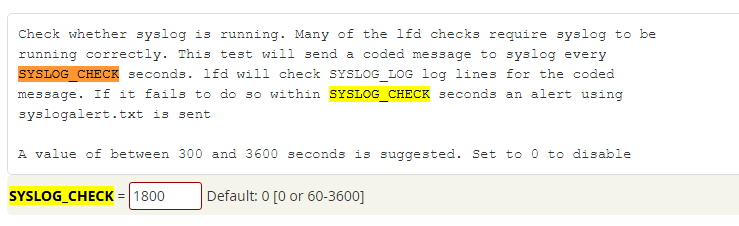
3. Active the Syslog Monitoring
4. Activate the Detection of Suspicious Processes
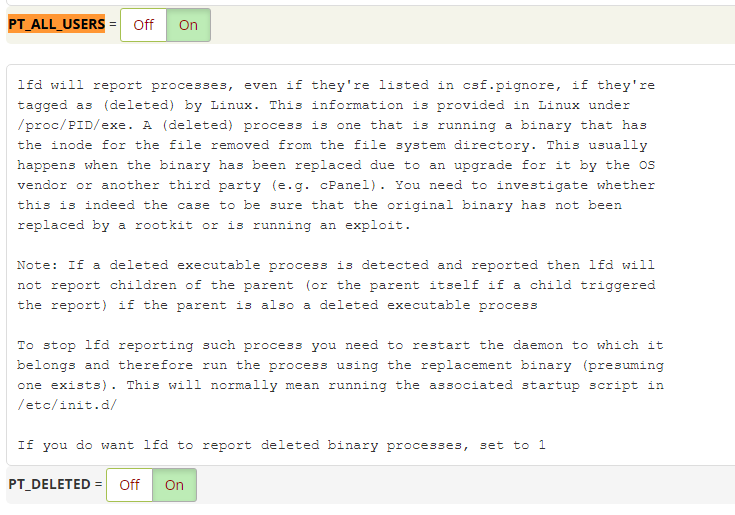
- Set “PT_ALL_USERS” to “ON“
- Set “PT_DELETED” to “ON“
5. Activate Spam Protection and Detection of Suspicious Emails
SMTP_BLOCK to On.

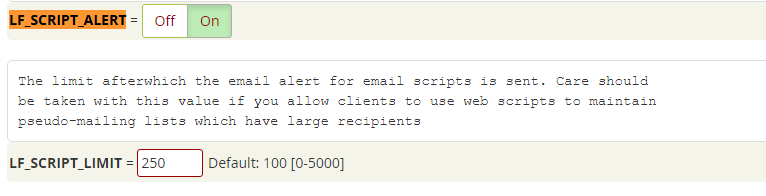
LF_SCRIPT_LIMIT and set it to 250
LF_SCRIPT_ALERT to On
5. Save the Changes and Confirm the Status
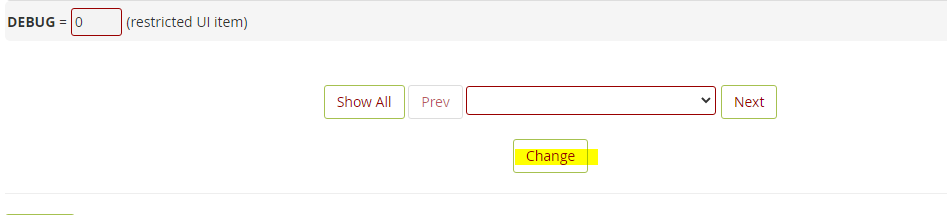
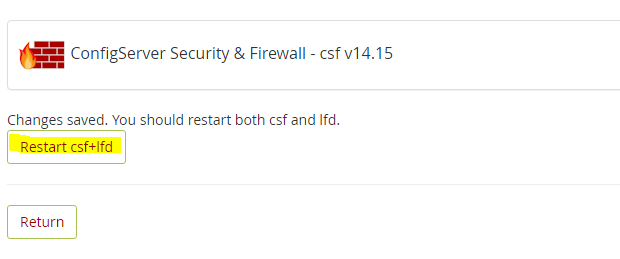
Chọn Restart csf+lfd